
 Login with Infoxchange
 Login with TechSoup New Zealand
 Login with DigitalTransformation.NGO
 Login with Cyber Safe Hub
Enrolment options
Topics:
Artificial Intelligence
Description
About the presenters
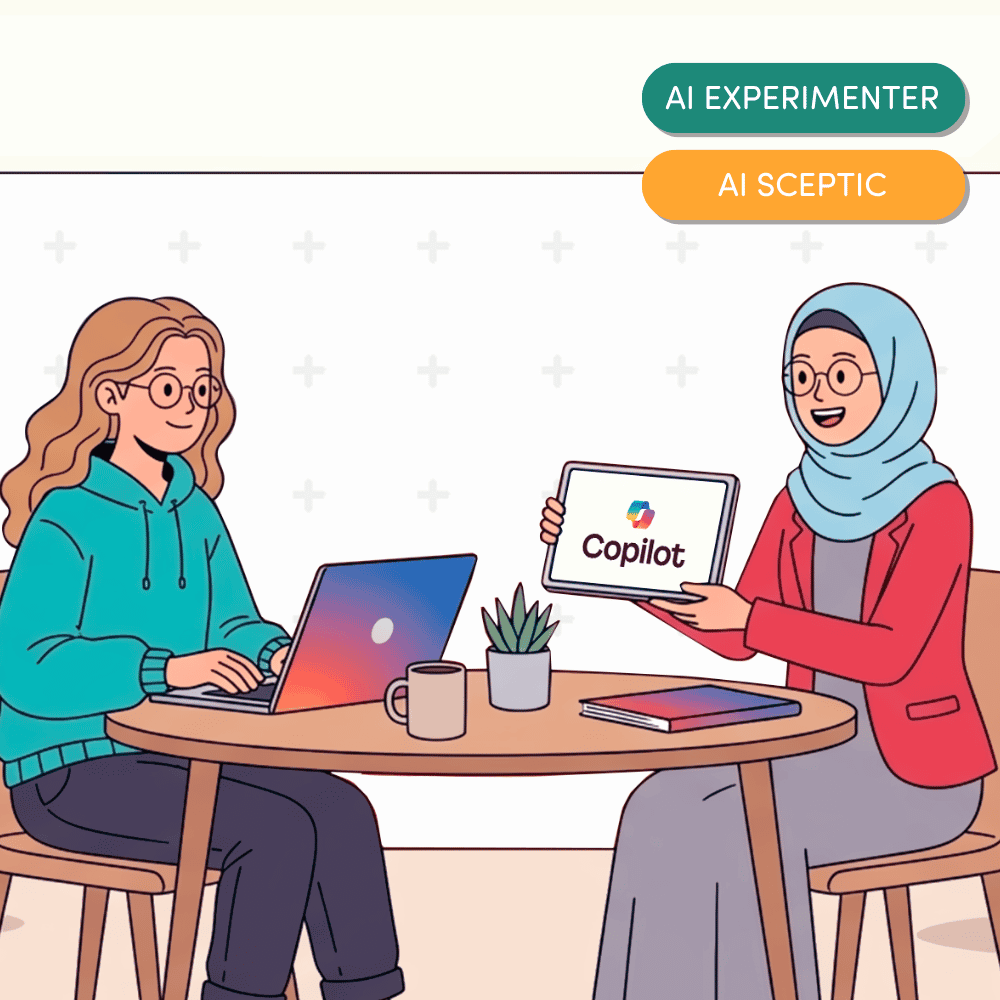
This hands-on session requires no technical expertise and is perfect for beginners keen to explore how AI fits into their daily tasks. You’ll see practical examples of how Copilot can help create content across Microsoft Office apps, assist with research and streamline workflows. We’ll also talk about common risks like hallucinations and data privacy, and share tips to use Copilot responsibly.
This course is designed to teach participants:
- Navigate the Copilot interface and learn how it interacts with Microsoft 365 applications
- Write effective prompts for tasks like drafting, brainstorming and refining grant applications
- Identify common risks such as hallucinations and data protection issues, and apply best practices for safe use
*Registering for this course means you agree that we can email you notifications about this course. We will also notify you about other courses according to our privacy policy. We respect your inbox, and you can unsubscribe from notifications at any time.
Course resources will be available for 90 days, so please make sure you access what you need before the 90 days are up.
Before registering for an external course, check the price and review the provider’s terms and conditions.
These are a summary of key terms and conditions, available in full here.
The digital learning program is made possible by the work of Infoxchange and our generous supporters. You can help us expand the program and provide more of these valuable resources to the for-purpose sector by donating today.
Course resources will be available for 90 days, so please make sure you access what you need before the 90 days are up.
Before registering for an external course, check the price and review the provider’s terms and conditions.
These are a summary of key terms and conditions, available in full here.
The digital learning program is made possible by the work of Infoxchange and our generous supporters. You can help us expand the program and provide more of these valuable resources to the for-purpose sector by donating today.








Infoxchange acknowledges the Traditional Owners of the unceded lands of the Wurundjeri Woi Wurrung people of Naarm, the Kaurna people of Tarntanya, and the Turrbal and Jagera peoples of Meanjin on which we live and work. We acknowledge the importance of Country and First Nations people’s connection to it. We pay our respects to Elders past and present.
© 2026 Infoxchange
AU 74 457 506 140
All rights reserved